Forms for Google Drive app icon

Forms for Google Drive

The most powerful way to run Google Forms on iPhone

BurningFlower INC

★★★★★ 4.6 · 326 ratings Free Productivity iPhone & iPad

Create, share and track Google Forms right from your iPhone — no browser needed. Templates, instant response alerts, and one-tap export to Google Sheets.

Download on theApp Store
Screenshot 1 Screenshot 2 Screenshot 3 Screenshot 4 Screenshot 5 Screenshot 6

Everything you need to run Google Forms on the go

📝

Build forms in seconds

Start from a template or scratch — create and edit Google Forms without opening a browser.

🔔

Real-time response alerts

Get a push notification the moment someone submits your form.

📊

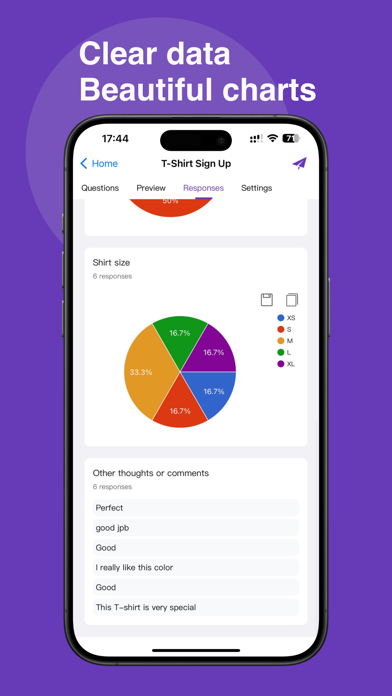
Export to Sheets & CSV

Send responses straight to Google Sheets or download as CSV for analysis.

🔗

Share with a QR code

Collect responses fast — share your form by link or scannable QR code.

☁️

Works with Google Workspace

Seamlessly connects to your Google account and Drive.

📱

Made for iPhone & iPad

A native, fast experience designed for touch.

4.6
★★★★★

Rated by 326 users on the App Store

Questions

Is it free?

Yes — Forms for Google Drive is free to download on the App Store.

Do I need a Google account?

Yes, you sign in with your Google account to create and manage your forms and responses.

Which devices are supported?

iPhone and iPad running iOS 13 or later.

I'm on Android or a computer — can I use it?

The app is iOS-only, but you can use our web app at pipiform.com from any device.

Forms for Google Drive
GetApp Store